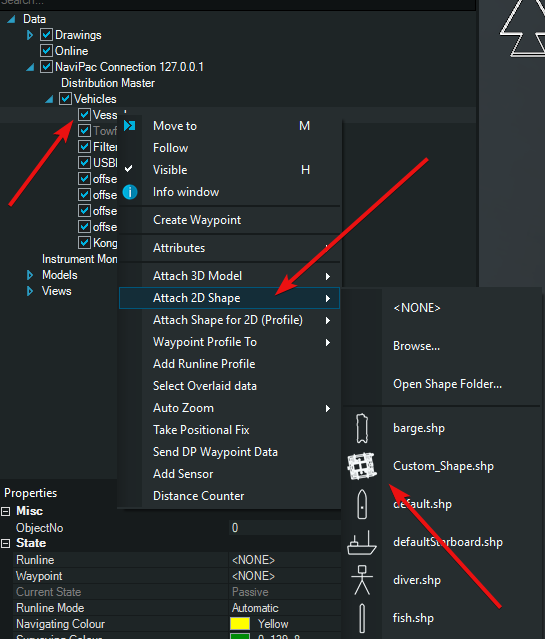
In Helmsman the user can create a shape file (also containing circles) from a drawing (DXF/DWG). Note that the respective layer or entity must have its origin (CRP or insertion point) defined to 0,0.
Step 1 - drop the DXF/DWG into the map view
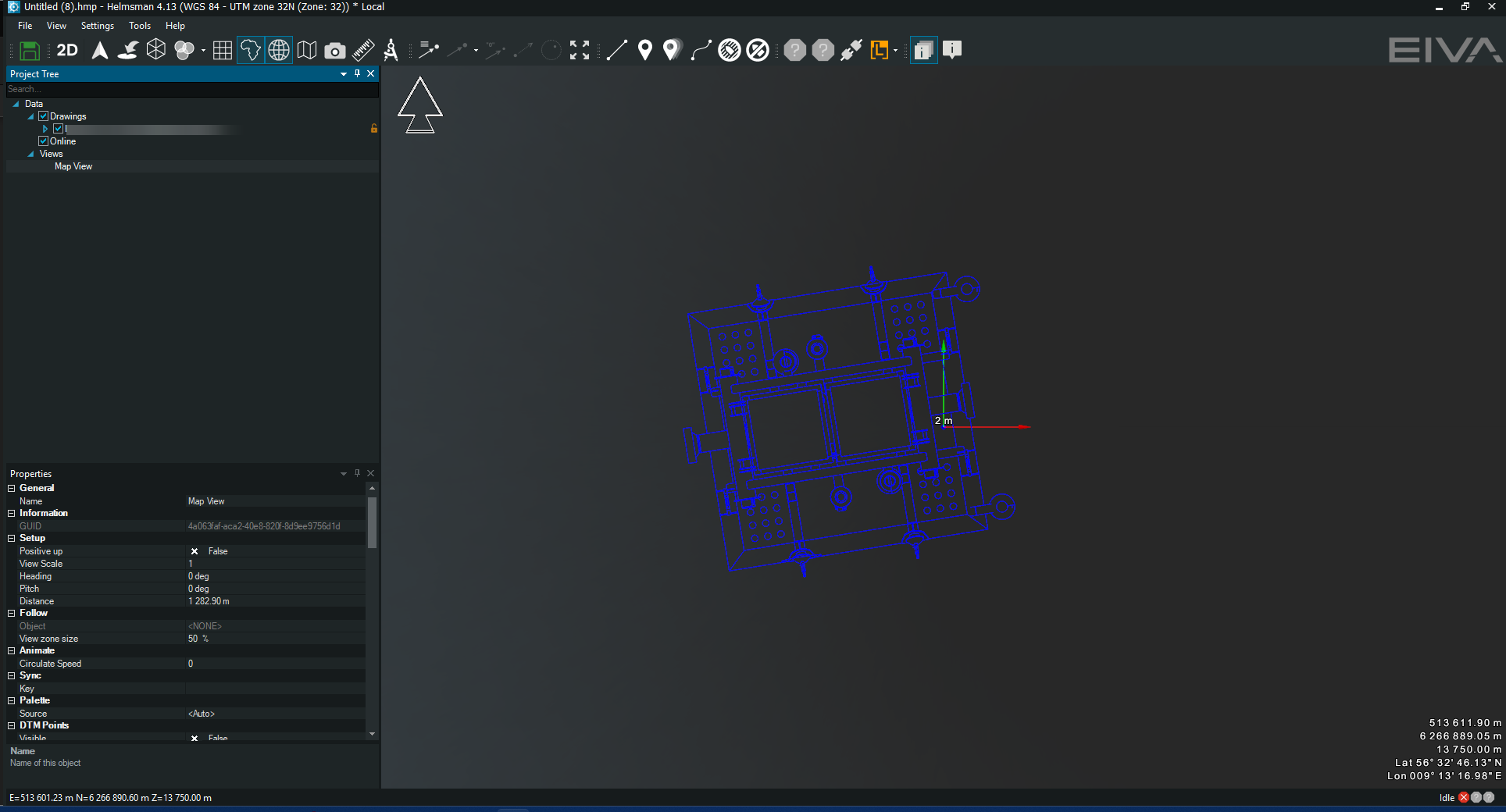
Step 2 - locate the layer that contains the desired shape
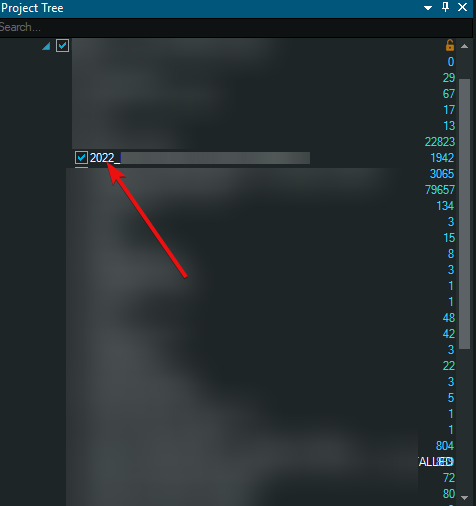
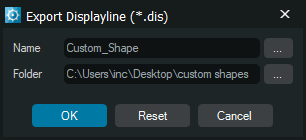
Step 3 - right-click on it and select Export/Displayline
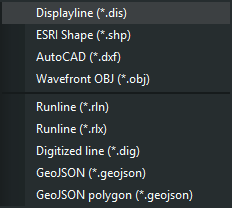
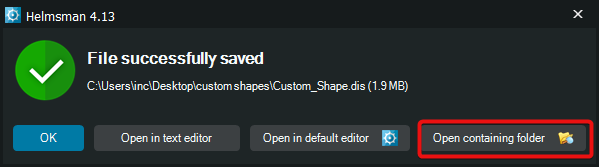
Step 4 - select the designated folder and click on Open containing folder
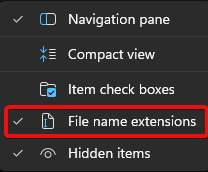
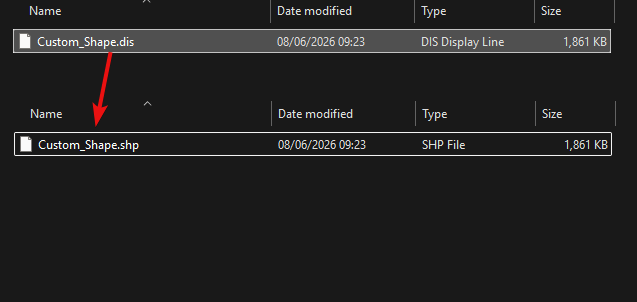
Step 5 - rename the extension of the file from *.dis to *.shp (make sure Windows is able to display the extensions of files)
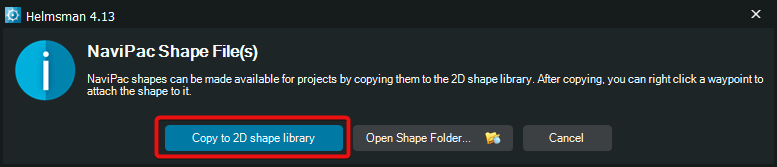
Step 6 - drag and drop the newly create shape file into the map view and select Copy to 2D shape library
Step 7 - select now the vehicle which you intend to assign the shape, Attach 2D shape and select the newly created shape