NaviScan by design has a display limit of 64 com port numbers in the drop down list of the Port setup - Com Port. If you have many com ports allocated above the number of 64 and wish to have it interfaced in NaviScan a workaround must be followed.
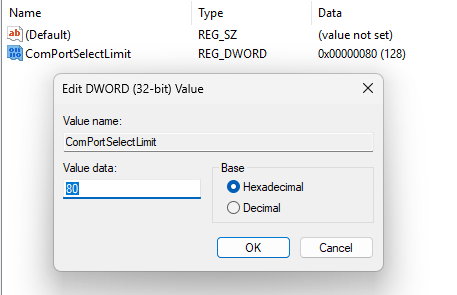
In Registry go to Computer\HKEY_CURRENT_USER\Software\Eiva\NaviScan\NSConfig\COM select and add a new entry DWORD (32 bit) Value. Rename it to ComPortSelectLimit and set its value in hexadecimal to the limit you need (considering you existing com port numbers defined). Below a limit of 80 was used. Once defined press Ok and close the registry.
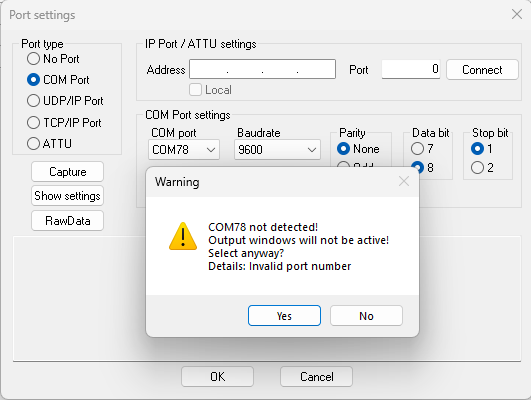
Open NaviScan config and select the driver and the desired com port. Below it is shown in the example com port 78. A warning message will appear that informs you the com port is invalid (that is ok as the config still checks for the design limit), press Yes and save the config and go Online to check if the data is coming in.
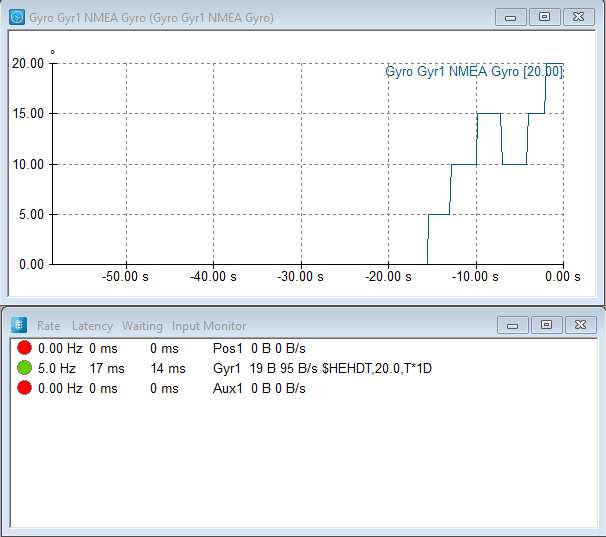
In NaviScan Online data is coming in via com port 78: